Free check
One-time · up to three pages
StoreVigil validates the store address, discovers public pages, checks availability and browser state, and keeps results and rechecks connected.
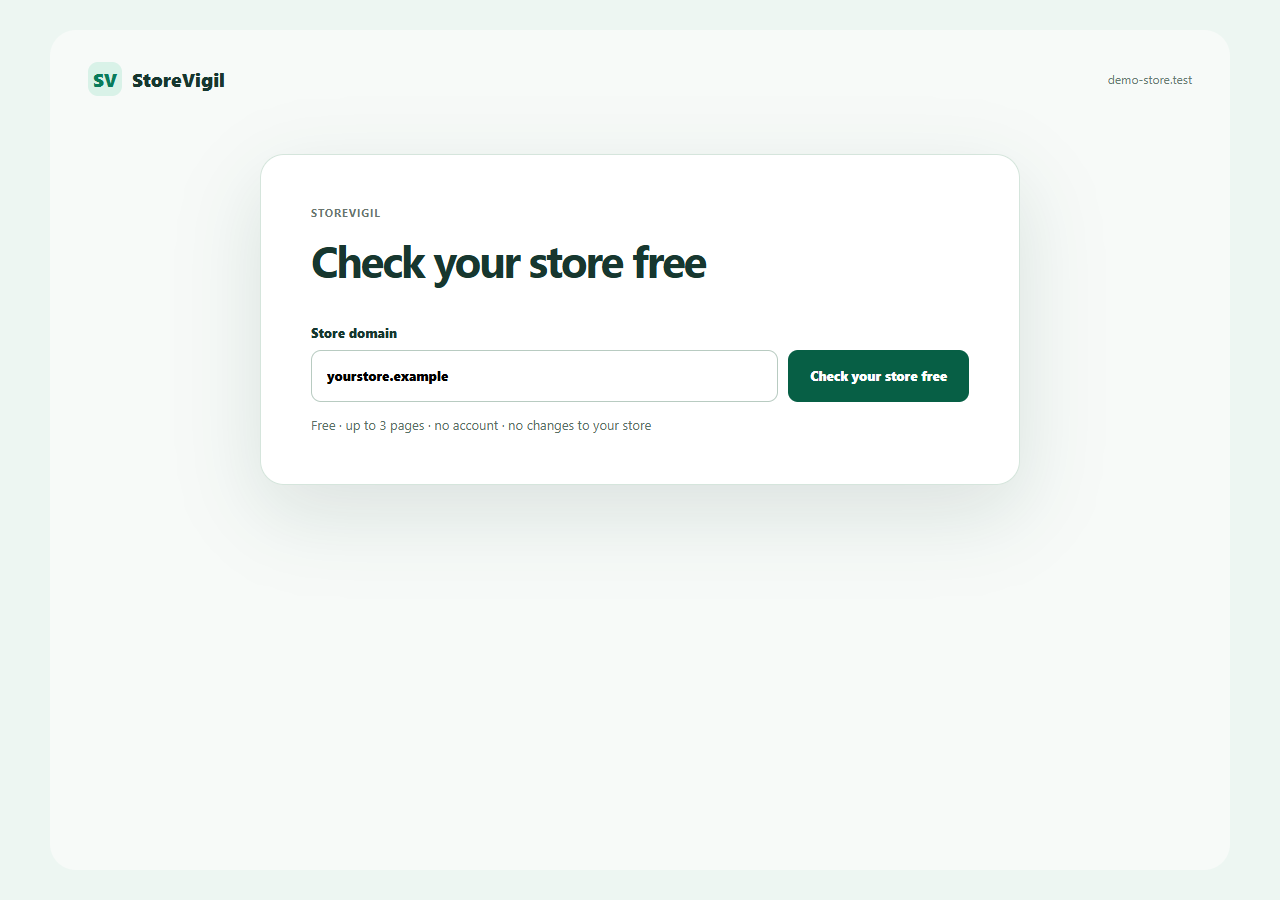
You only provide the public address of your store. StoreVigil changes no content, adds no products to the cart and submits no normal forms.
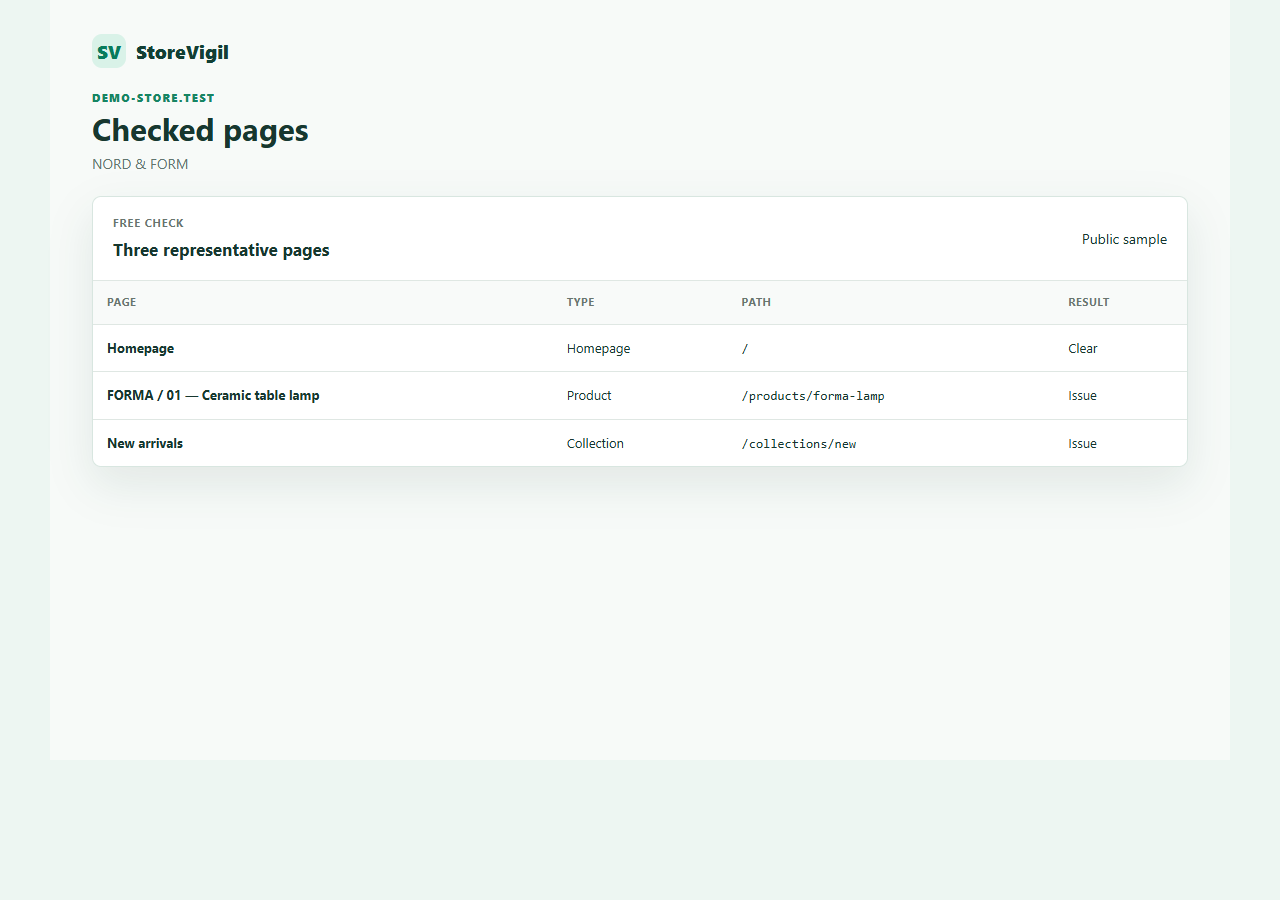
For the free check, StoreVigil selects exactly three public pages: the homepage, a product page and a category. The selection remains a clear sample and does not imply a complete crawl.
An isolated browser loads the selected pages as a visitor receives them. StoreVigil examines the rendered state, visible resources, JavaScript, performance and selected accessibility and SEO foundations.
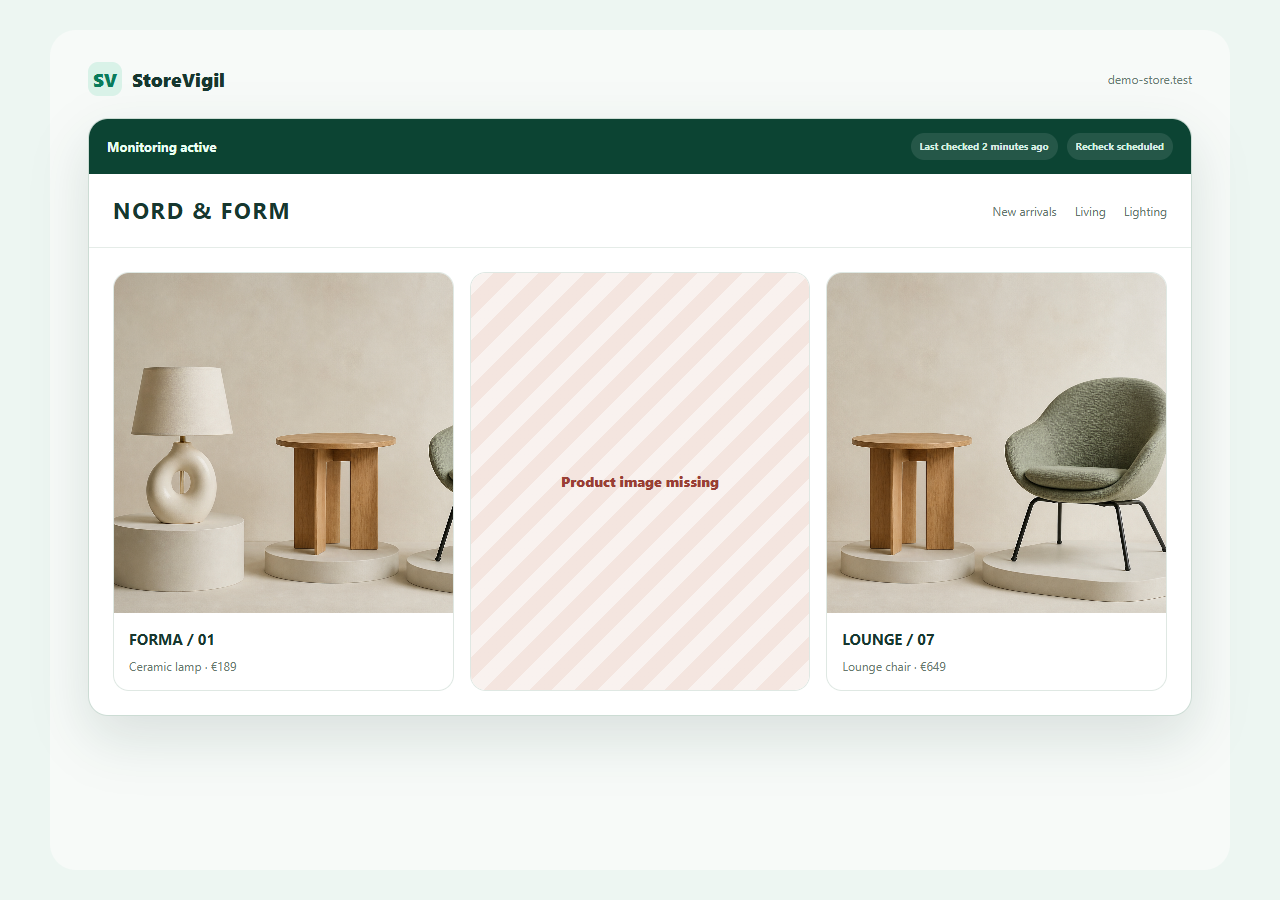
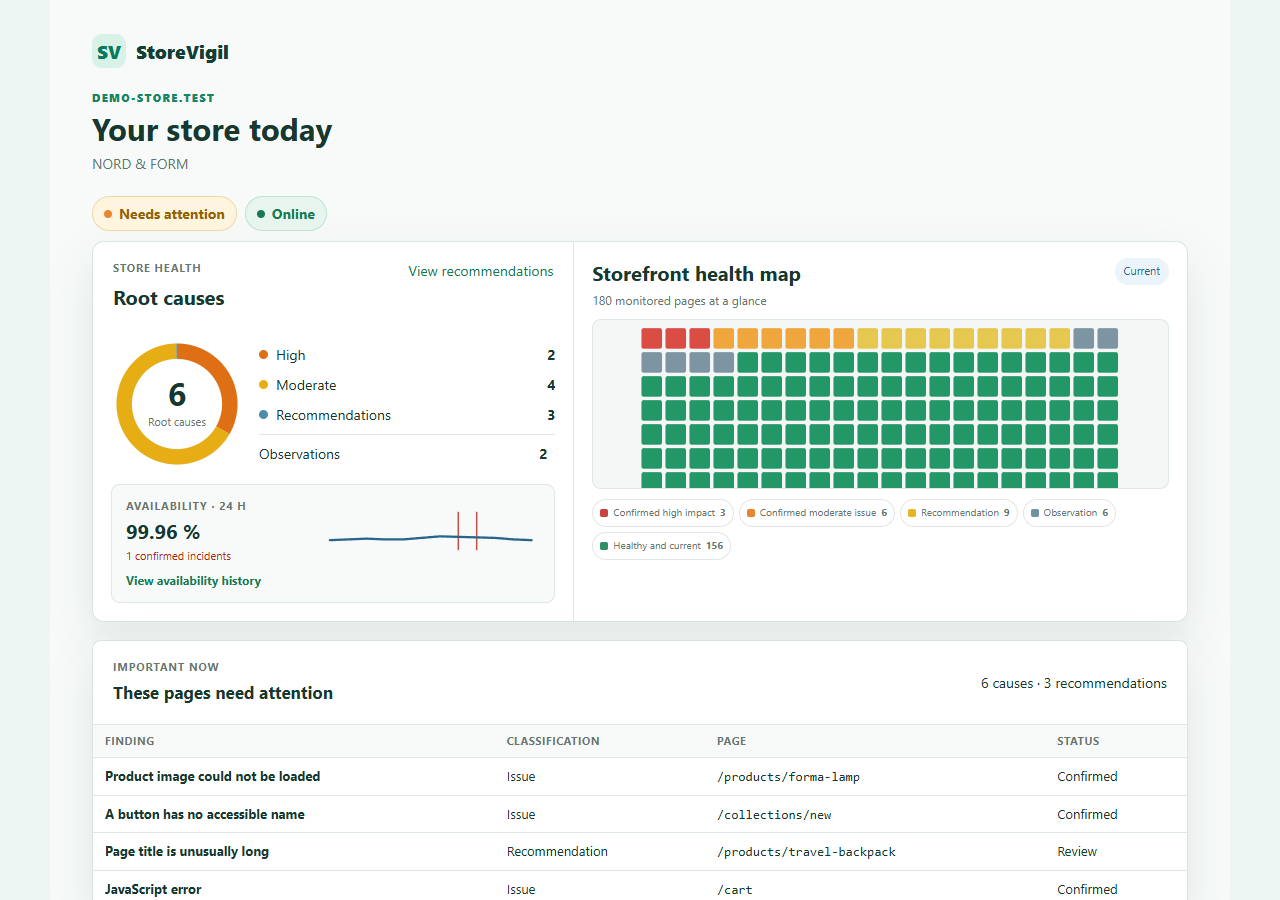
StoreVigil separates issues, recommendations and observations. Real finding cards and Visual Evidence show how a finding is classified and which element is affected.
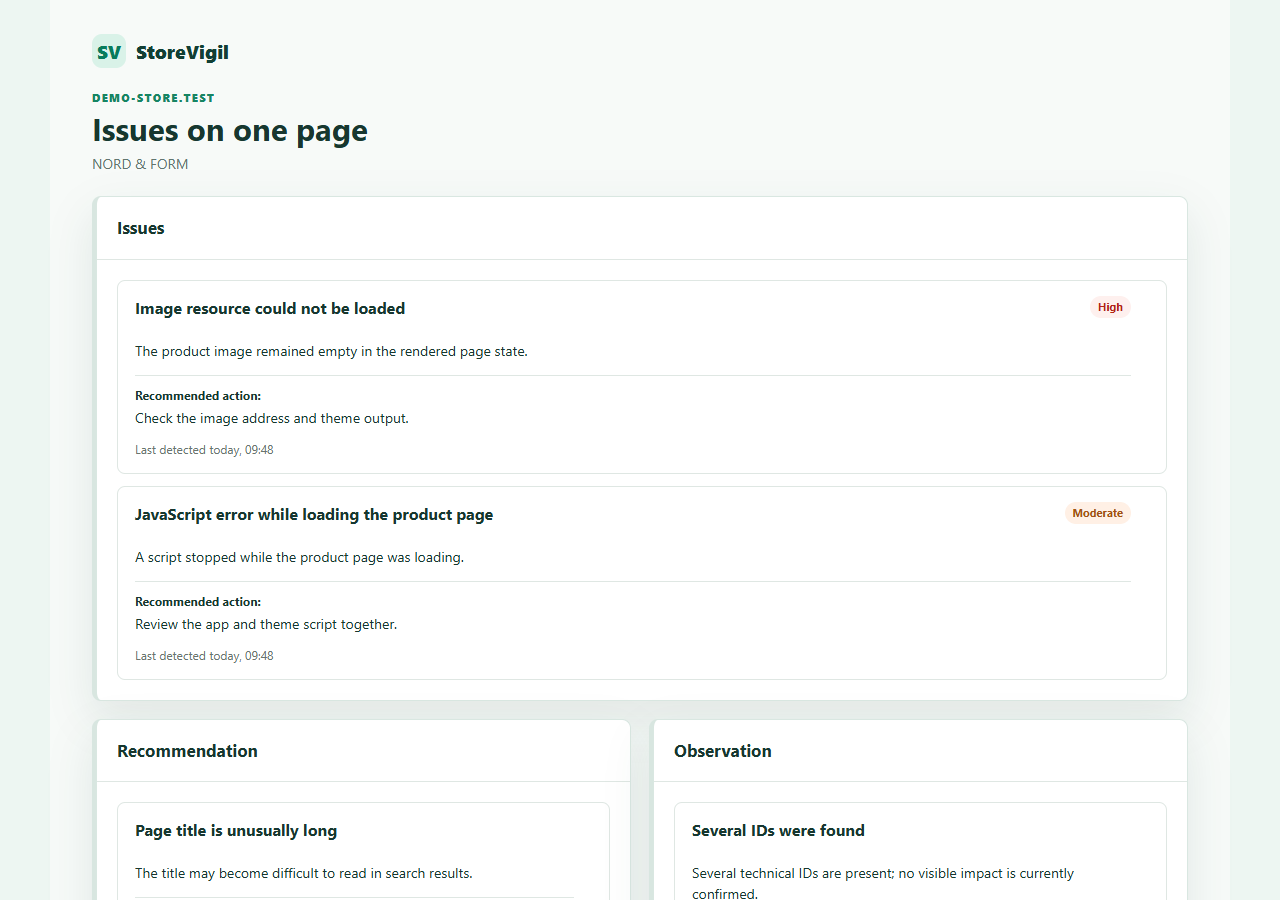
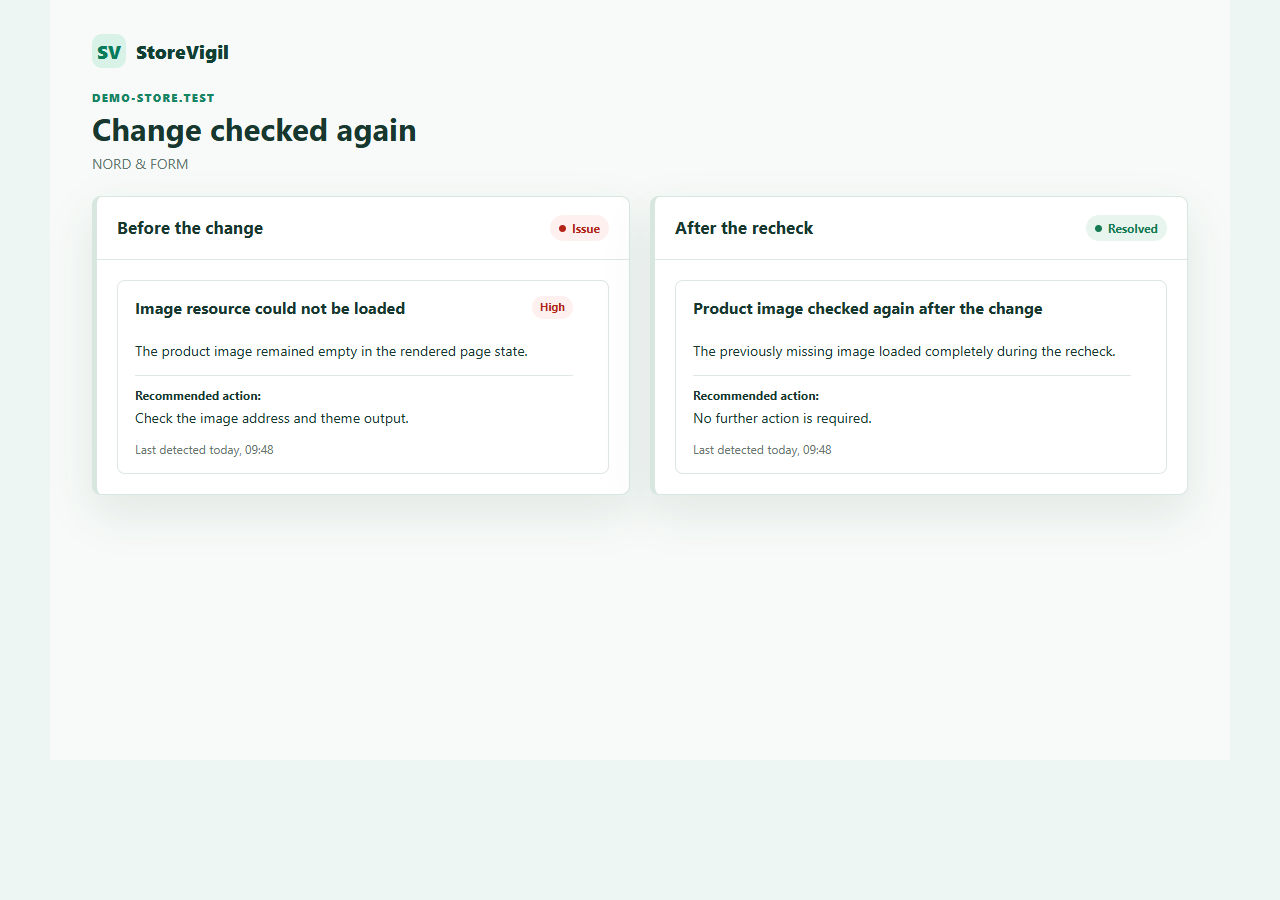
A finding can remain, disappear or return. During monitoring, StoreVigil checks relevant changes again.
One-time · up to three pages
Complete authorised storefront · recurring
Complete authorised store
Check up to three pages without an account, or register to analyse and monitor the complete authorised storefront for seven days.